01
Install Glint
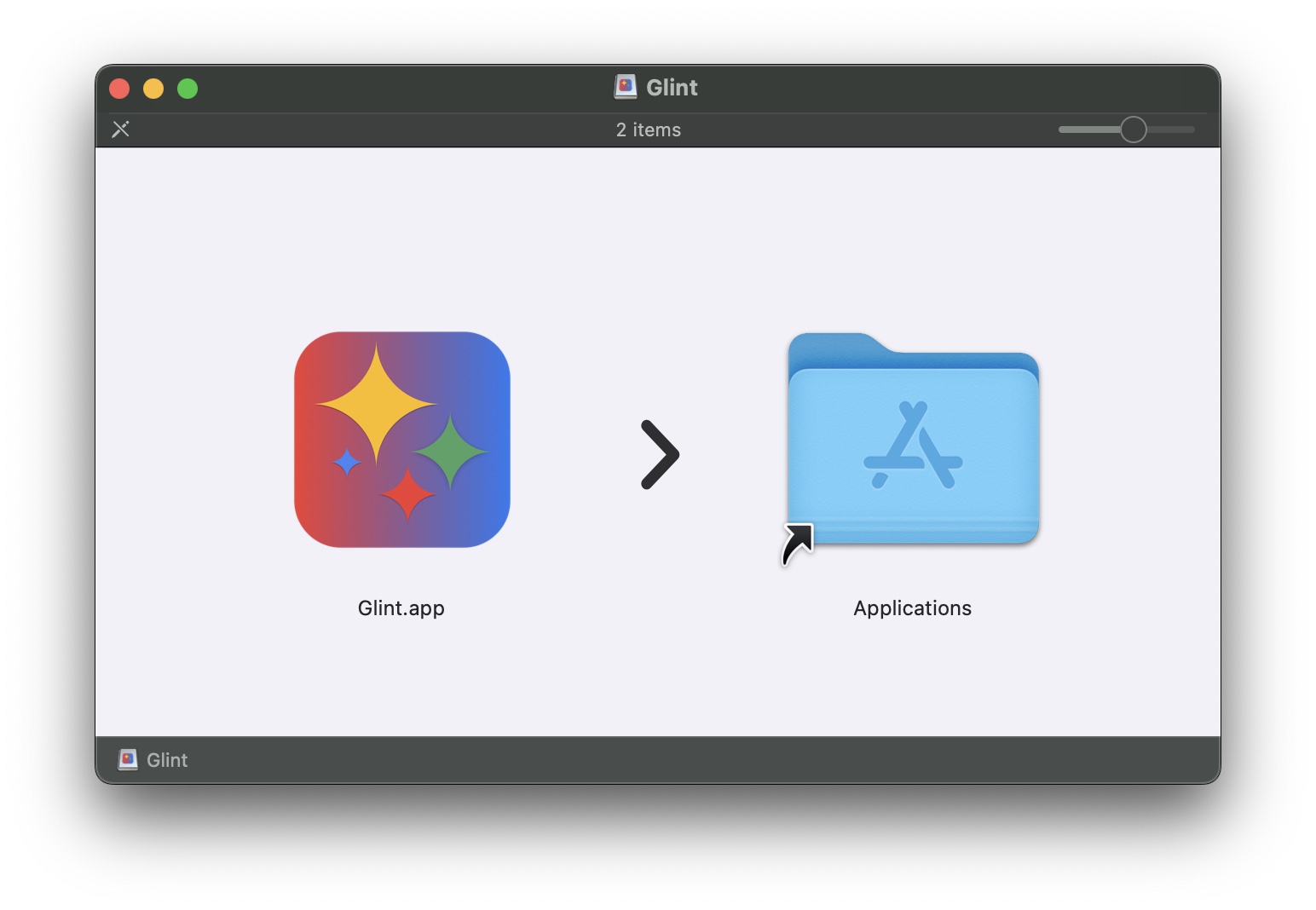
Download the app, move it to Applications, and allow it in macOS when prompted.
 Glint
GlintmacOS Utility App
Glint lets you open .docx and .xlsx files from Finder directly in Google Docs and Google Sheets with one click.
macOS utility for Microsoft Office files and Google Workspace.
How It Works
01
Download the app, move it to Applications, and allow it in macOS when prompted.
02
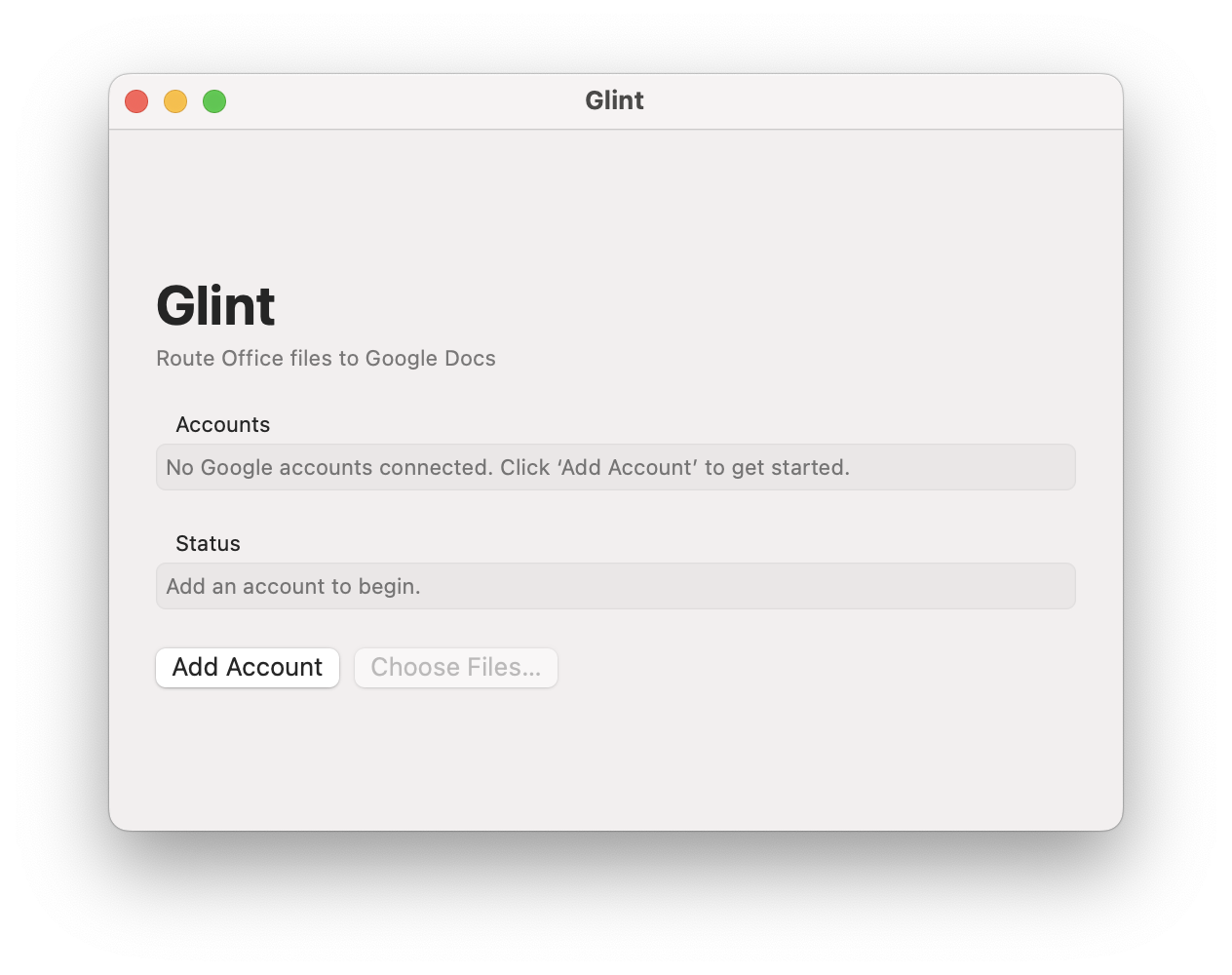
Go to Launchpad and run Glint. Add your Google account.
03
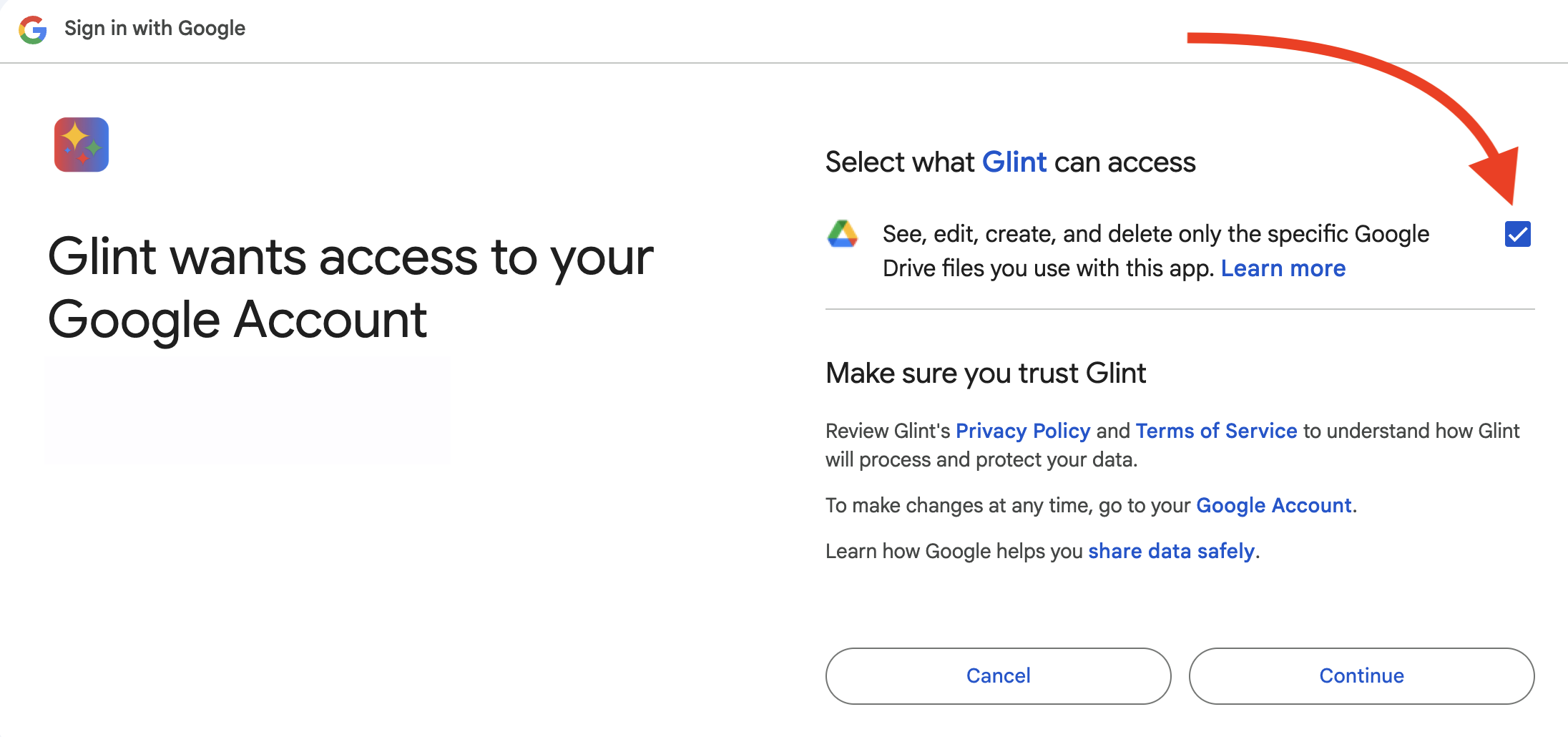
Authorize Glint with Google. You need to do this only once.
04
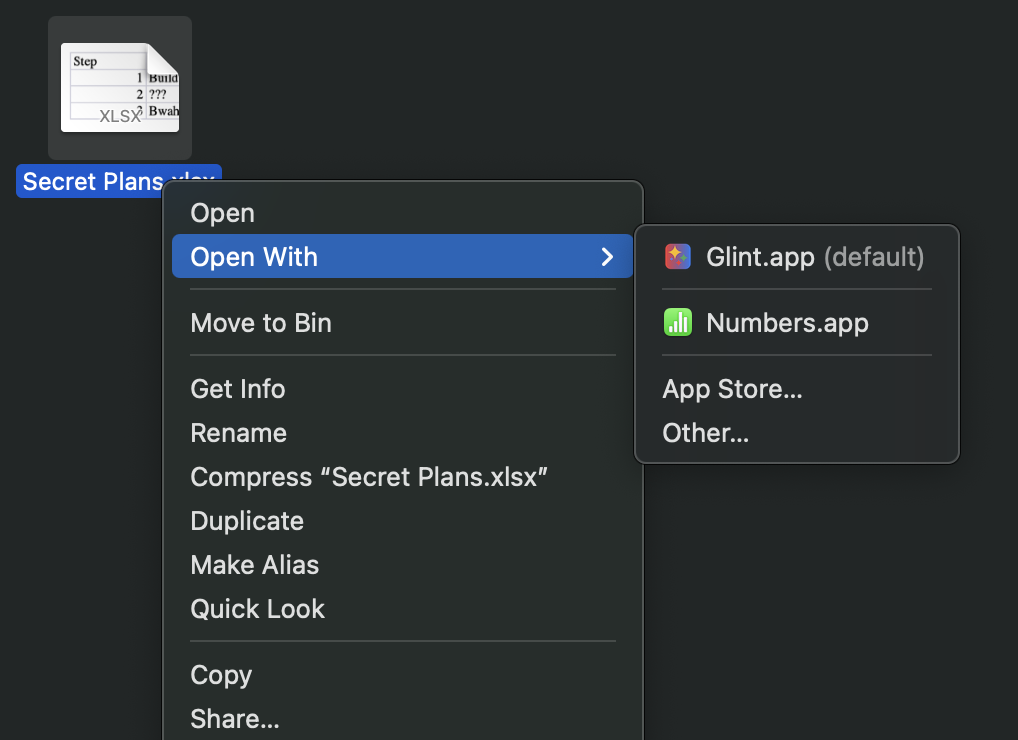
In Finder, click a supported Microsoft Office file you want to work on. Use the context menu to open with Glint. You can also drag files into the app or into the Dock icon.
05
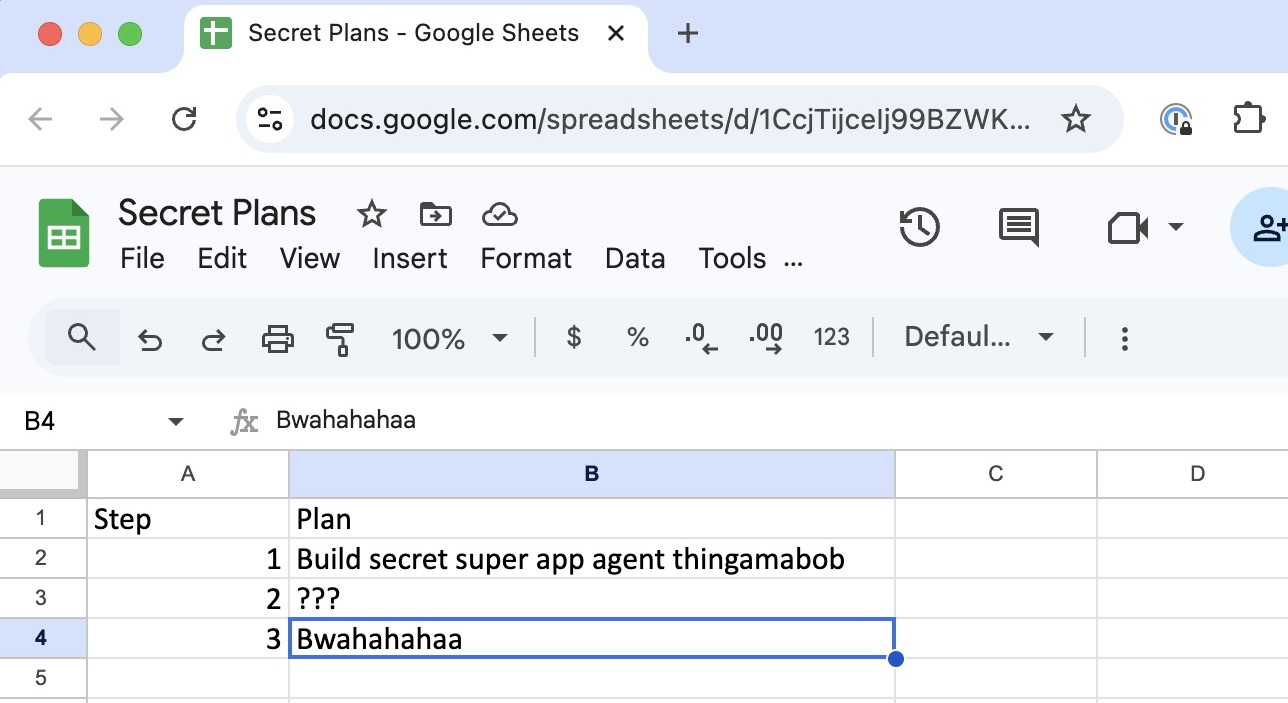
Your document gets uploaded and opens in Google Docs. (Opening the same file again goes back to the same document in Google Docs without re-uploading it)
06
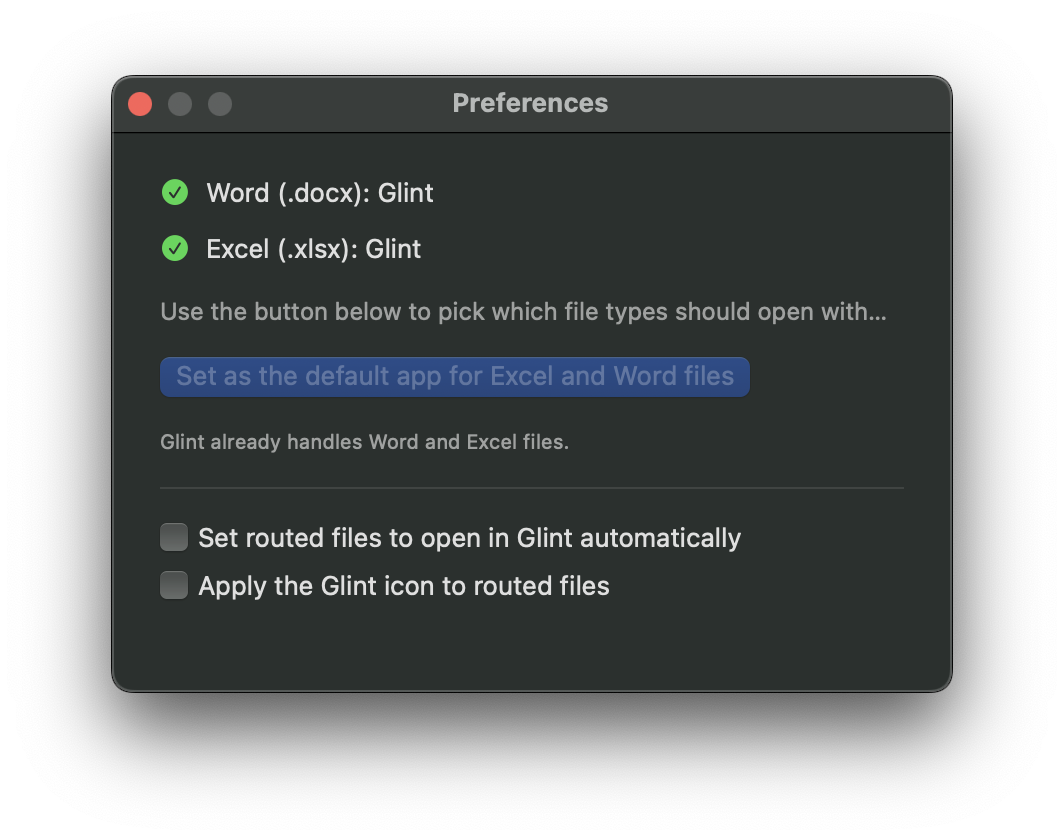
Set Glint as the default app for opening documents under preferences. So you just need to double-click your files to open in Google Docs. Hit Cmd+, to get the preferences panel.
Frequently Asked Questions
Yes. None of your data goes anywhere else besides Google. There is no other cloud component. This is straight from your Mac to Google Docs.
Sure. Just click 'Add Account' or choose 'Add Account' from the File Menu. If you have multiple Google accounts you will be prompted to select one when opening a file.
The first time you open the file it gets uploaded to Google Docs and a new document is created in your drive. The next time you open it, it will open the same document that was created earlier.
If Glint is your default app for documents, you can always right-click the file and choose another app.
Glint uses macOS file system attributes to store the Google account and url. So if you duplicate the file, the Google Doc url is also duplicated.